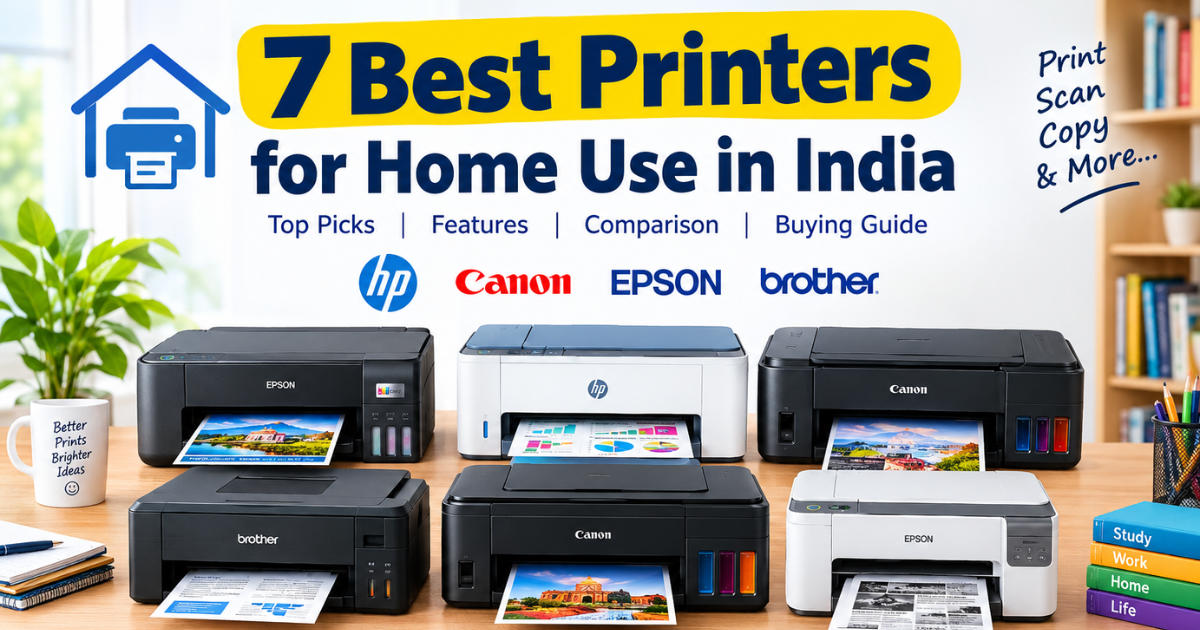
7 Best Printers for Home Use in India: Top Picks, Features & Buying Guide
Posted on |
Choosing the right printer for your home can save you time and money, especially if you regularly print school assignments, office documents, study notes, photographs, or important forms. However, with so many options available from HP, Canon, Epson, and Brother, finding the right model can be confusing. The best printers for home use in India depend on your printing requirements, budget, preferred features, and monthly print volume. Some printers are affordable for occasional printing, while others offer refillable ink tanks, Wi-Fi connectivity, scanning, copying, and automatic double-sided printing.
In this guide, we compare seven popular home printers, explain their key features, and help you choose the right model for your needs.
Quick Answer: Which Is the Best Printer for Home Use in India?
For most households that need printing, scanning, and copying, an all-in-one ink tank printer is a practical choice. The Epson EcoTank L3250, HP Smart Tank 580, and Canon PIXMA MegaTank G3000 are worth considering for everyday home printing.
If you print only a few pages occasionally, a cartridge-based printer such as the Canon PIXMA E470 may be more affordable initially. For frequent black-and-white document printing, consider a monochrome laser printer.

7 Best Printers for Home Use in India: Quick Comparison
| Printer Model | Printer Type | Best For | Key Feature |
| Epson EcoTank L3250 | Colour ink tank | Families and students | Wi-Fi, print, scan, copy |
| HP Smart Tank 580 | Colour ink tank | Everyday home printing | Wireless connectivity |
| Canon PIXMA MegaTank G3000 | Colour ink tank | Budget-conscious families | Wi-Fi and refillable tanks |
| Brother DCP-T420W | Colour ink tank | Regular printing | Wireless printing |
| Canon PIXMA E470 | Cartridge inkjet | Occasional printing | Affordable entry-level option |
| HP Smart Tank 670 | Colour ink tank | Frequent printing | Automatic duplex printing |
| Epson EcoTank M2140 | Monochrome ink tank | Black-and-white documents | Economical document printing |
Note: Features may vary by model variant and regional specification. Check the exact product listing before purchasing.
1. Epson EcoTank L3250: Best Overall Printer for Home Use
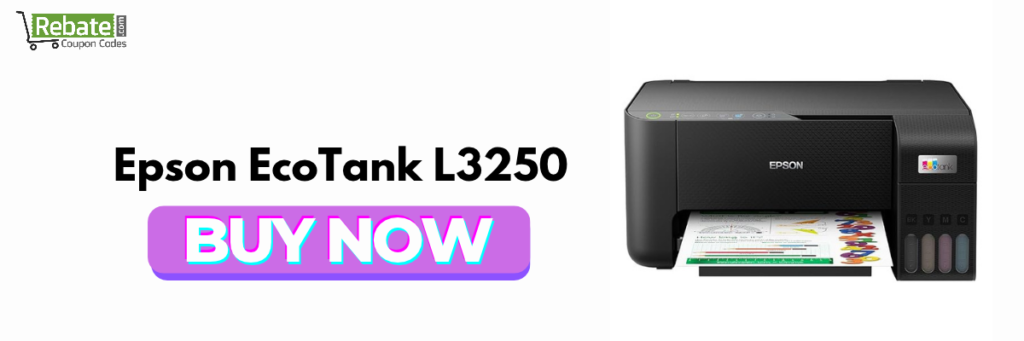
The Epson EcoTank L3250 is a strong option for households that need a versatile printer for study materials, office documents, forms, and occasional colour prints. Its refillable ink tank system suits users who print regularly and want to reduce ongoing ink costs.
Key Features
- Printer type: Colour ink tank inkjet
- Functions: Print, scan, and copy
- Connectivity: USB and Wi-Fi
- Printing: Black-and-white and colour
- Ink system: Refillable EcoTank bottles
Why Should You Buy the Epson EcoTank L3250?
The L3250 combines three essential functions in one compact device. Wi-Fi connectivity lets compatible devices print wirelessly, while the scanner digitises documents and copies paperwork without needing a separate machine.
Its refillable ink system is particularly useful for students and families who print assignments, notes, worksheets, and other documents throughout the month.
Pros
- Print, scan, and copy in one machine
- Wireless printing support
- Refillable ink tanks help reduce running costs
Cons
- No automatic duplex printing
- Initial purchase cost is higher than some basic cartridge printers
Best for: Families, students, teachers, and home users who need regular colour printing.
2. HP Smart Tank 580: Best Wi-Fi Printer for Home Use
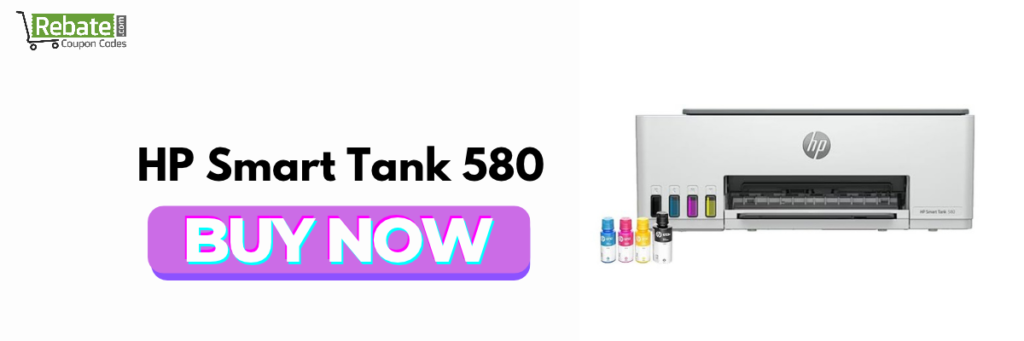
The HP Smart Tank 580 is designed for users who want colour printing, scanning, copying, and wireless connectivity. It is suitable for households where multiple people may need to print from their computers or compatible smartphones.
Key Features
- Printer type: Colour ink tank inkjet
- Functions: Print, scan, and copy
- Connectivity: USB, Wi-Fi, and Wi-Fi Direct
- Ink system: Refillable ink tanks
- Duplex printing: Manual two-sided printing
Why Is the HP Smart Tank 580 a Good Choice?
One of the biggest advantages of the HP Smart Tank 580 is its wireless functionality. You can print compatible documents from your phone or computer without connecting a USB cable every time.
Its refillable ink tanks are also useful for households that print frequently. The printer supports everyday tasks such as school projects, bills, forms, study notes, and office documents.
However, it does not provide automatic duplex printing, so you need to turn the pages manually when printing on both sides.
Pros
- Wireless printing support
- Print, scan, and copy functionality
- Refillable ink system
Cons
- No automatic double-sided printing
- Not intended for high-volume professional production
Best for: Families and students looking for a wireless all-in-one printer.
3. Canon PIXMA MegaTank G3000: Best Canon Printer for Home Use
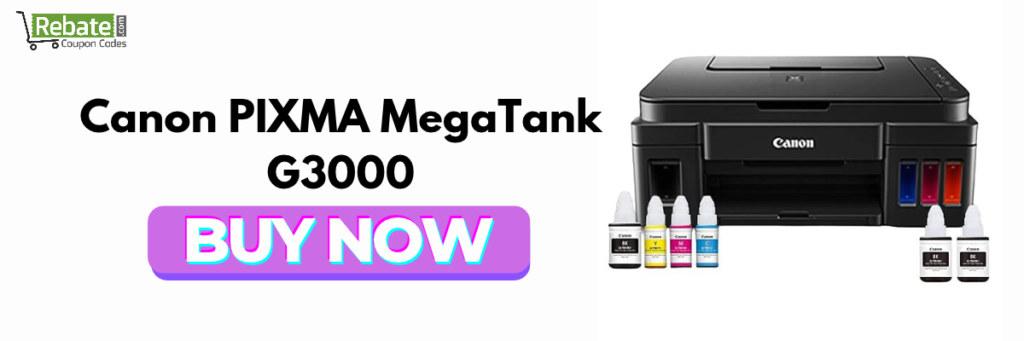
The Canon PIXMA MegaTank G3000 is a colour ink tank printer designed for home users who need a combination of document printing, colour output, scanning, and copying.
Its refillable ink system makes it worth considering for users who print more frequently than a typical cartridge printer can economically support.
Key Features
- Printer type: Colour ink tank inkjet
- Functions: Print, scan, and copy
- Connectivity: USB and Wi-Fi
- Ink system: Refillable ink bottles
- Printing: Documents and colour materials
Why Should You Consider the Canon PIXMA MegaTank G3000?
This printer is useful for printing school projects, charts, forms, recipes, and everyday documents. Wireless connectivity adds flexibility, while the integrated scanner and copier reduce the need for separate equipment.
Canon’s MegaTank range is designed around refillable ink bottles, which can offer lower ink costs per page than many cartridge-based printers when used regularly.
Before purchasing, compare the G3000’s current price with newer Canon MegaTank models. Availability, warranty coverage, and included ink can affect its overall value.
Pros
- Refillable ink tank system
- Colour printing with scanning and copying
- Wi-Fi connectivity
Cons
- No automatic duplex printing
- Not the newest option in Canon’s range
Best for: Home users who want a Canon all-in-one colour printer.
4. Brother DCP-T420W: Best Printer for Regular Home Printing
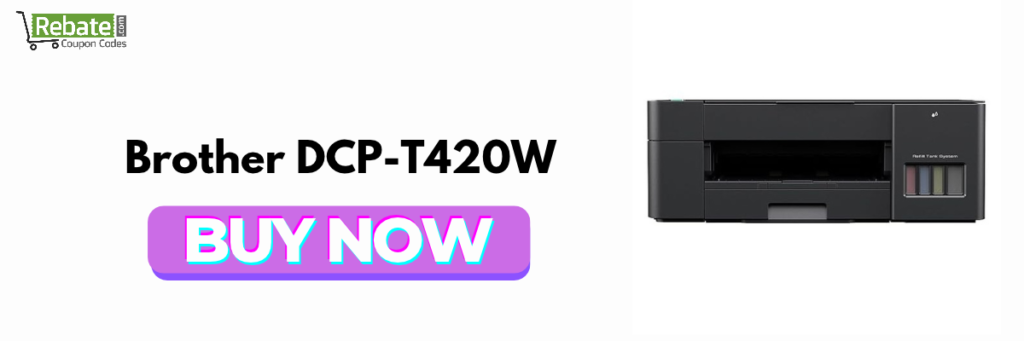
The Brother DCP-T420W is a colour ink tank all-in-one printer suitable for users who print documents, schoolwork, and other everyday materials regularly.
Its wireless printing capabilities and refillable ink system make it an alternative to comparable models from HP, Canon, and Epson.
Key Features
- Printer type: Colour ink tank inkjet
- Functions: Print, scan, and copy
- Connectivity: USB and wireless connectivity
- Ink system: Refillable tanks
- Printing: Black-and-white and colour
What Makes the Brother DCP-T420W Worth Buying?
The Brother DCP-T420W is worth considering if you want to print frequently without relying on small ink cartridges. Its all-in-one functionality also helps with scanning certificates, copying documents, and preparing school assignments.
Wireless printing can make it easier to print from compatible devices around the home.
Check the model’s current availability and support for your operating system before buying, particularly if you use a less common computer setup.
Pros
- Refillable ink tank system
- Print, scan, and copy functionality
- Wireless printing convenience
Cons
- No automatic duplex printing
- Features and consumable availability should be verified locally
Best for: Students, families, and home users who print regularly.
5. Canon PIXMA E470: Best Budget Printer for Occasional Use
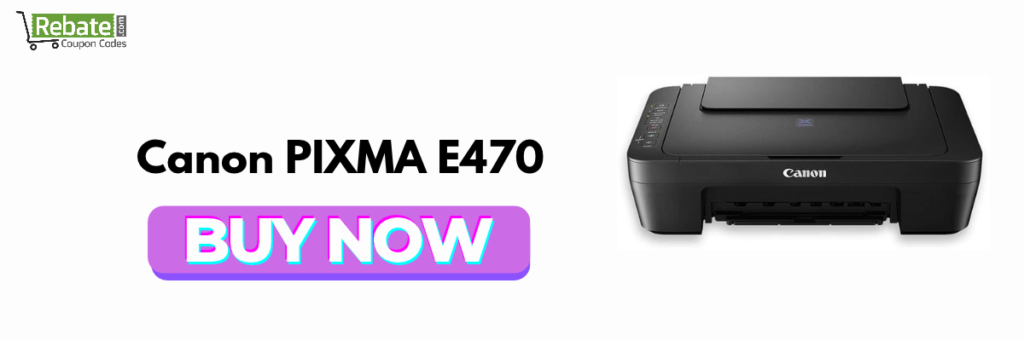
If you do not print many pages every month, the Canon PIXMA E470 is worth considering as an entry-level colour inkjet printer.
Unlike the ink tank models above, it uses replaceable ink cartridges. This can keep the initial purchase price relatively low, although the cost of replacement cartridges may become significant with frequent printing.
Key Features
- Printer type: Cartridge-based colour inkjet
- Functions: Print, scan, and copy
- Connectivity: USB and Wi-Fi
- Printing: Black-and-white and colour
- Intended use: Light home printing
Why Is the Canon PIXMA E470 Suitable for Budget Buyers?
Many households only need a printer for occasional school forms, travel documents, application forms, and a few colour pages. In such cases, spending more on an ink tank printer may not be necessary.
The PIXMA E470 provides essential multifunction features without requiring a larger initial investment.
However, calculate the replacement cartridge cost before purchasing. If you print frequently, an ink tank model may offer better long-term value.
Pros
- Affordable entry-level category
- Colour printing
- Scanning and copying support
Cons
- Higher ongoing ink costs are possible
- Less suitable for high monthly print volumes
Best for: Users who print occasionally and want a basic home printer.
6. HP Smart Tank 670: Best Printer with Automatic Duplex Printing
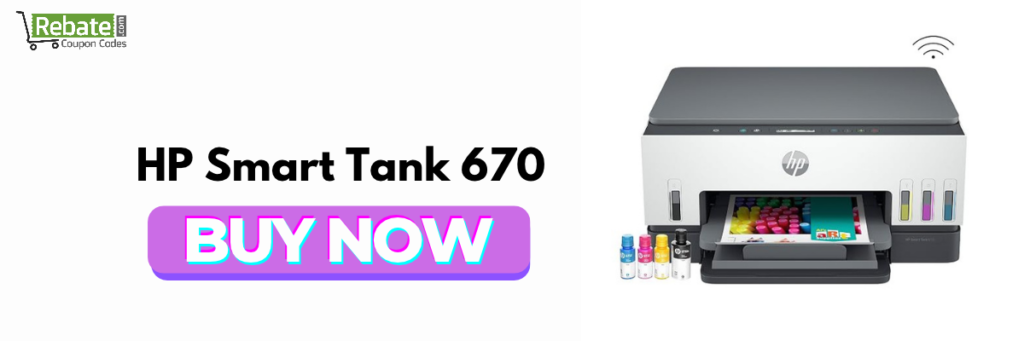
The HP Smart Tank 670 is a useful choice for households that want refillable ink tanks, wireless connectivity, and automatic two-sided printing.
Automatic duplex printing means the printer can print on both sides of compatible paper without requiring you to turn each sheet manually.
Key Features
- Printer type: Colour ink tank inkjet
- Functions: Print, scan, and copy
- Connectivity: USB and Wi-Fi
- Duplex printing: Automatic
- Ink system: Refillable tanks
Why Should You Choose the HP Smart Tank 670?
If you regularly print long assignments, educational material, reports, or office documents, automatic duplex printing can save time and paper.
Its refillable ink system is useful for frequent printing, while Wi-Fi makes it easier to print from compatible phones and computers.
The Smart Tank 670 typically costs more than basic entry-level models. Compare its price with other printers offering automatic duplex printing before making a final decision.
Pros
- Automatic two-sided printing
- Wireless printing support
- Refillable ink tanks
Cons
- Higher initial investment than basic printers
- Colour inkjet printing may not be the best choice for exclusively text-heavy workloads
Best for: Families, teachers, and professionals who print regularly and want automatic duplex functionality.
7. Epson EcoTank M2140: Best Printer for Black-and-White Documents
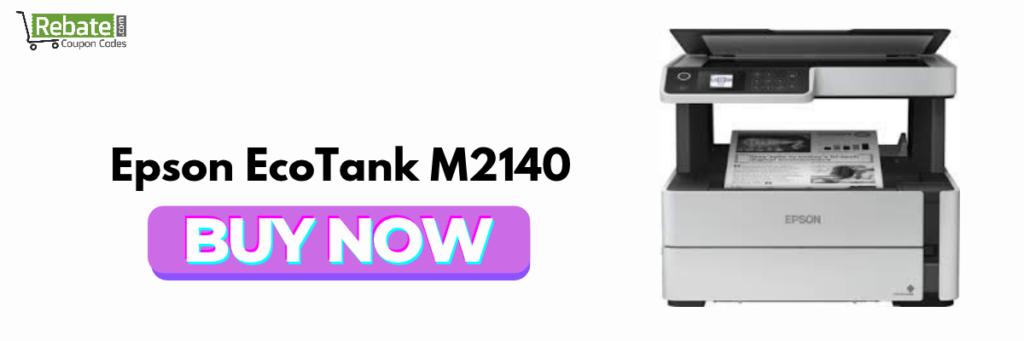
The Epson EcoTank M2140 is a monochrome ink tank printer designed for users who mainly print black-and-white documents.
It is worth considering for households with substantial document-printing requirements, including study notes, office paperwork, invoices, and educational material.
Key Features
- Printer type: Monochrome ink tank
- Functions: Print, scan, and copy
- Printing: Black-and-white only
- Ink system: Refillable black ink
- Duplex printing: Automatic two-sided printing
Why Is the Epson EcoTank M2140 a Good Option?
If you rarely print photographs or colour graphics, a dedicated monochrome printer can be more practical than paying for colour ink you seldom use.
The M2140 supports automatic duplex printing, making it useful for lengthy documents and study materials. Its ink tank system is designed for economical black-and-white printing.
One important limitation is that it cannot print in colour. Compare its purchase price and cost per page with monochrome laser printers before deciding which technology suits your workload.
Pros
- Designed for black-and-white printing
- Automatic duplex printing
- Refillable ink system
Cons
- No colour printing
- May be unnecessary for households that print only a few pages monthly
Best for: Students, tutors, and home offices with predominantly black-and-white printing needs.

Which Printer Is Best for Your Home? A Quick Recommendation
Your ideal printer depends on how you intend to use it.
| Your Requirement | Recommended Model |
| Everyday printing, scanning, and copying | Epson EcoTank L3250 |
| Wireless home printing | HP Smart Tank 580 |
| Canon colour ink tank printer | Canon PIXMA MegaTank G3000 |
| Regular printing with a refillable tank | Brother DCP-T420W |
| Occasional printing on a budget | Canon PIXMA E470 |
| Automatic two-sided colour printing | HP Smart Tank 670 |
| Black-and-white document printing | Epson EcoTank M2140 |
These recommendations are based on intended use and feature sets, rather than a claim that every model has been independently tested.
How to Choose the Best Printer for Home Use in India
Before buying a printer, consider the following factors to avoid spending more than necessary.
1. Choose the Right Printer Type
Three common printer categories are available for home users.
- Ink tank printers: Best for regular printing and lower ongoing ink costs. They are useful for families, students, and small home offices.
- Cartridge inkjet printers: Suitable for occasional printing and buyers who prioritise a lower initial cost.
- Laser printers: Suitable for fast, frequent black-and-white document printing. Monochrome laser models are particularly useful for text-heavy workloads.
2. Compare the Cost Per Page
The purchase price is only one part of the total cost of owning a printer.
A cartridge printer might be cheaper initially but more expensive to operate if you print hundreds of pages. Refillable ink tank printers generally provide better value for regular colour printing.
Check the manufacturer’s stated ink yield, the price of genuine replacement ink, and your expected monthly print volume.
Actual costs vary depending on page coverage, print settings, maintenance, and consumable prices.
3. Look for Wi-Fi and Mobile Printing
A Wi-Fi printer can be convenient if you want to print from multiple devices.
Check whether the model supports your smartphone, laptop, operating system, and preferred printing app. Some printers also offer Wi-Fi Direct, which allows compatible devices to connect without relying on a traditional router.
4. Decide Whether You Need Scanning and Copying
An all-in-one printer combines printing, scanning, and copying in one device.
This is useful for scanning identity documents, copying certificates, preparing schoolwork, and digitising paperwork.
If you only print documents, a single-function printer may be more economical.
5. Check Automatic Duplex Printing
Automatic duplex printing allows a printer to print on both sides of a sheet without manual intervention.
This feature can save paper and time when printing long assignments or reports. Do not assume that every printer supports it; some models offer only manual two-sided printing.
6. Check Warranty and Service Availability
Before purchasing, verify the manufacturer’s warranty, local service options, availability of genuine ink or toner, and replacement-part support.
Buying from an authorised retailer can make it easier to obtain genuine consumables and warranty assistance.

Ink Tank vs Cartridge vs Laser Printer: Which Is Better?
| Factor | Ink Tank | Cartridge Inkjet | Laser |
| Initial price | Usually moderate | Often lower | Varies by model |
| Running cost | Usually low for regular printing | Can be high | Often economical for text |
| Colour printing | Yes, on colour models | Yes, on colour models | Only on colour laser models |
| Best use | Regular mixed printing | Occasional printing | Frequent document printing |
| Maintenance consideration | Inkjet printhead care | Cartridge replacement | Toner and drum maintenance, where applicable |
Verdict: For most families that regularly print both colour and black-and-white documents, a refillable ink tank printer is a sensible starting point. For occasional printing, a cartridge printer may be enough. For frequent black-and-white documents, consider a monochrome laser printer.
Frequently Asked Questions About the Best Printers for Home Use in India
The Epson EcoTank L3250 is a strong all-round option for households needing colour printing, scanning, copying, and Wi-Fi connectivity. The best choice depends on your budget, printing volume, and whether you need automatic duplex printing.
A refillable ink tank printer is generally a good option for regular home printing. Models such as the Epson EcoTank L3250, HP Smart Tank 580, and Canon PIXMA MegaTank G3000 are worth comparing. Check genuine ink prices and estimated page yields before purchasing.
An ink tank printer is suitable for households that need colour printing, school projects, and everyday documents. A monochrome laser printer is often better for users who primarily print large quantities of black-and-white text and value fast output.
Yes. A Wi-Fi printer allows compatible smartphones, laptops, and computers to print without connecting a USB cable each time. It is particularly useful when multiple family members share one printer.
Compare the printer’s purchase price, cost per page, ink or toner availability, print quality, Wi-Fi support, scanning and copying features, duplex printing, warranty, and local service availability. Also consider how many pages you expect to print each month.
Final Verdict: Which Is the Best Printer for Home Use in India?
The best printers for home use in India are those that match your actual printing needs rather than simply offering the most features.
- Choose the Epson EcoTank L3250 for balanced everyday home printing.
- Choose the HP Smart Tank 580 if wireless printing is a priority.
- Choose the Canon PIXMA MegaTank G3000 if you prefer a Canon refillable ink tank printer.
- Choose the Canon PIXMA E470 if you print only occasionally.
- Choose the HP Smart Tank 670 if automatic duplex printing is important.
- Choose the Epson EcoTank M2140 if you primarily print black-and-white documents.
Before placing your order, compare current prices, included ink, warranty terms, and consumable costs. The right printer can make home printing more convenient while helping you manage long-term expenses.