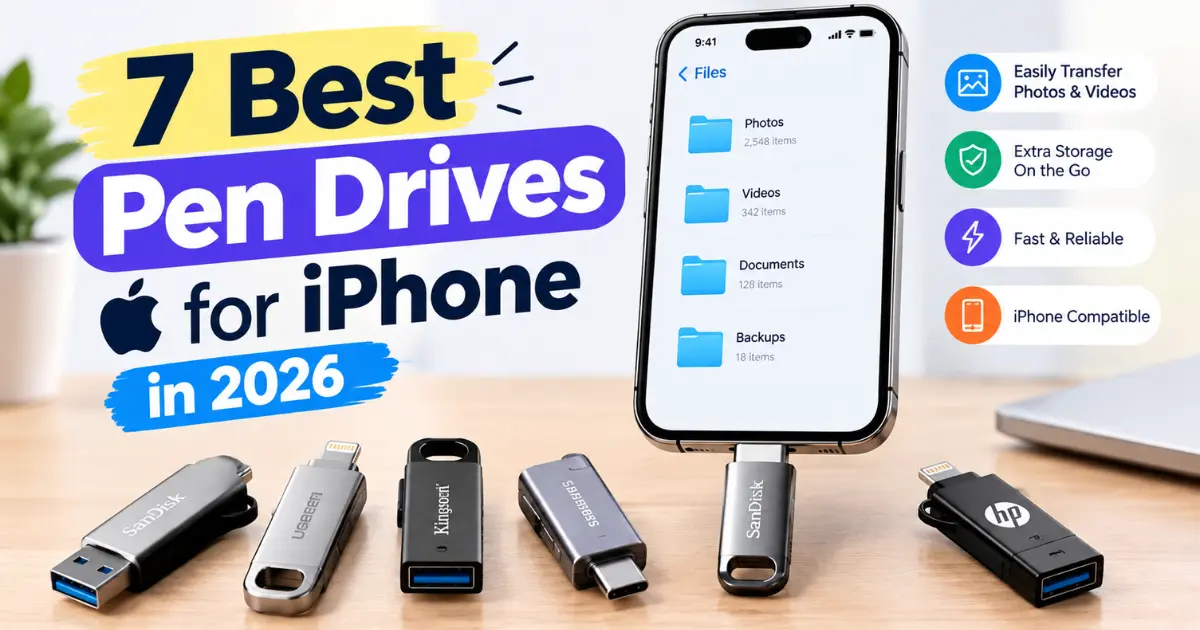
7 Best Pen Drives for iPhone in 2026: Fast & Reliable Options
Posted on |
If your iPhone is running out of storage because of photos, 4K videos, documents, or large app files, the best pen drives for iPhone can conveniently move data without relying entirely on cloud storage.
The best options in 2026 are available with USB-C, dual USB-C/USB-A, or USB-C/Lightning connectors, depending on your iPhone model. Apple supports connecting external storage devices to an iPhone through the Files app, while compatible USB-C iPhones can access USB drives directly.
In this guide, we have selected 7 of the best pen drives for iPhone based on compatibility, transfer speed, storage capacity, portability, and overall usefulness.
Quick Answer: For most USB-C iPhone users, the Kingston DataTraveler Max USB-C is an excellent choice for speed and capacity. If you need compatibility with both USB-C and Lightning devices, the SanDisk iXpand Flash Drive Luxe is a more versatile option.

Quick Comparison: What Are the Best Pen Drives for iPhone in 2026?
| Pen Drive | Best For | Connector | Capacity Options | Key Advantage |
| Kingston DataTraveler Max USB-C | Best overall | USB-C | Up to 1TB | Very fast transfers |
| SanDisk Phone Drive USB-C | Best for iPhone | USB-C | Multiple capacities | Designed for phones |
| SanDisk iXpand Flash Drive Luxe | USB-C + Lightning | USB-C + Lightning | Up to 256GB | Dual connector |
| Samsung USB Type-C Flash Drive | Fast USB-C storage | USB-C | Up to 256GB | Compact and fast |
| Kingston DataTraveler 70 | Budget option | USB-C | Up to 256GB | Simple and affordable |
| SanDisk Ultra Dual Drive Luxe | iPhone + PC | USB-C + USB-A | Up to 1TB | Dual USB connectivity |
| SanDisk Extreme PRO USB-C | Performance users | USB-C | Up to 1TB | High-speed storage |
Specifications and availability can vary by capacity, connector version, and region.
1. Kingston DataTraveler Max USB-C – Best Pen Drive for iPhone Overall
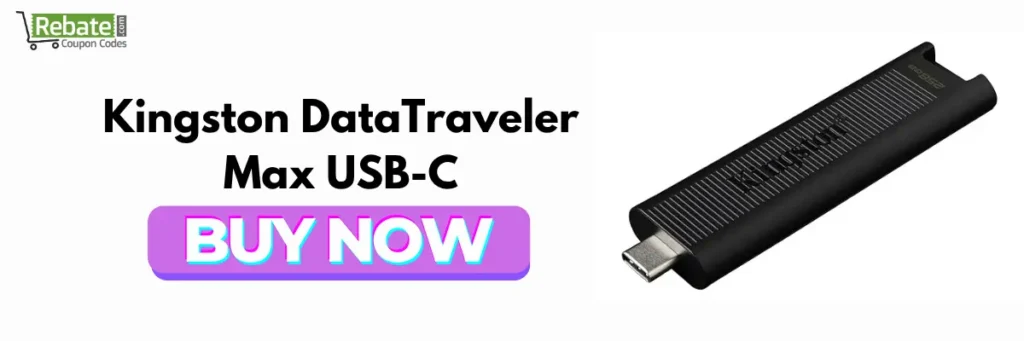
The Kingston DataTraveler Max USB-C is one of the strongest choices if your priority is fast file transfers.
It uses USB 3.2 Gen 2 technology and is available in capacities such as 256GB, 512GB, and 1TB. Independent testing has also highlighted the DataTraveler Max as one of the fastest USB flash drives available.
Why is Kingston DataTraveler Max one of the best USB flash drives for iPhone?
Its biggest advantage is speed. If you regularly move large videos, RAW photos, documents, or other sizeable files, a faster drive can significantly reduce transfer time.
The USB-C version is particularly suitable for newer USB-C iPhones.
Key Features
- USB-C connector available
- USB 3.2 Gen 2 interface
- Available in high capacities
- Compact design
- Excellent transfer performance
- Useful for iPhone, Mac, Windows PCs, and other USB-C devices
Pros
- Excellent speed
- High storage capacity
- Compact and portable
- Good for large files
Cons
- Not designed for Lightning iPhones without an adapter
- Speed depends on the iPhone, cable, and connected device
Best for: Users who want a fast USB drive for iPhone and frequently transfer large files.
2. SanDisk Phone Drive USB-C – Best iPhone Flash Drive for Easy Transfers
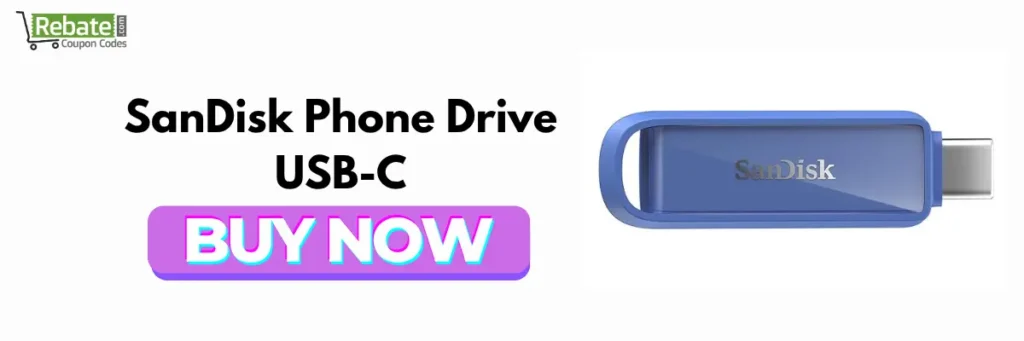
The SanDisk Phone Drive USB-C is designed specifically around phone storage and file transfer.
SanDisk lists its Phone Drive with USB-C as compatible with recent iPhone models through the iOS Files app.
This makes it a practical choice for users who primarily want a straightforward flash drive for iPhone rather than a general-purpose USB stick.
Why choose the SanDisk Phone Drive for iPhone?
One of the biggest advantages is simplicity. You can connect the drive to a compatible USB-C iPhone and access its contents through supported apps, including Apple’s Files app.
It is particularly useful when you want to:
- Back up photos
- Transfer videos
- Free up iPhone storage
- Move documents
- Transfer files between phone and computer
Key Features
- USB-C connectivity
- Designed for phone file transfers
- Compact form factor
- Multiple storage capacities
- Compatible with recent iPhone models
Pros
- Easy to carry
- Designed with phone users in mind
- Convenient for photo and video transfers
- Works through the iPhone Files ecosystem
Cons
- USB-C version isn’t suitable for older Lightning-only iPhones without an adapter
- Performance varies by iPhone model
Best for: People looking for a dedicated best iPhone flash drive for everyday backups and transfers.
3. SanDisk iXpand Flash Drive Luxe – Best iPhone-Compatible Pen Drive for Multiple Devices
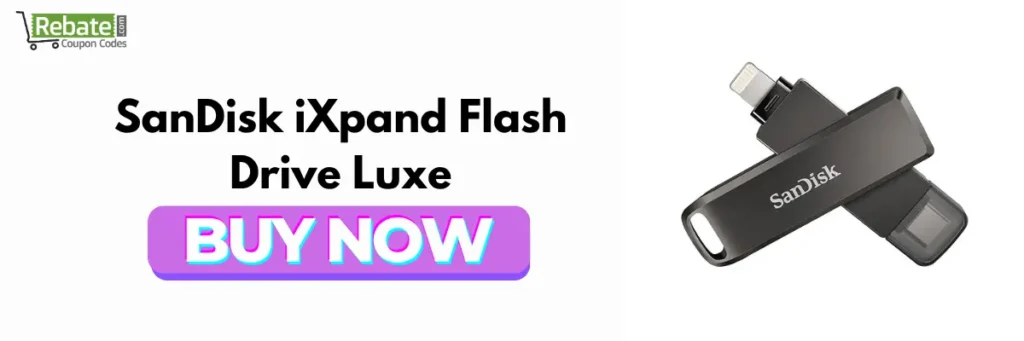
If you own both Lightning and USB-C devices, the SanDisk iXpand Flash Drive Luxe is one of the most convenient choices.
Its major advantage is its dual-connector design, allowing it to work with compatible Lightning and USB-C devices.
SanDisk’s current compatibility information lists the iXpand Luxe across recent iPhone generations, with the exact app and performance support depending on the iPhone’s port and USB capabilities.
Why is it a good iPhone-compatible pen drive?
You don’t necessarily need separate storage drives for different devices.
For example, you could use the drive with a compatible Lightning iPhone and then transfer files to a USB-C computer or newer device.
What can you use it for?
- Photos
- Videos
- Documents
- Music files
- Device-to-device transfers
- Backup storage
Pros
- Dual connector
- Excellent versatility
- Portable
- Useful for mixed-device households
Cons
- Not the fastest choice for professional high-bitrate video workflows
- Connector design makes it more expensive than basic USB drives
Best for: Users who need an iPhone-compatible USB drive for both older Lightning and newer USB-C devices.
4. Samsung USB Type-C Flash Drive – Best Compact USB Drive for iPhone
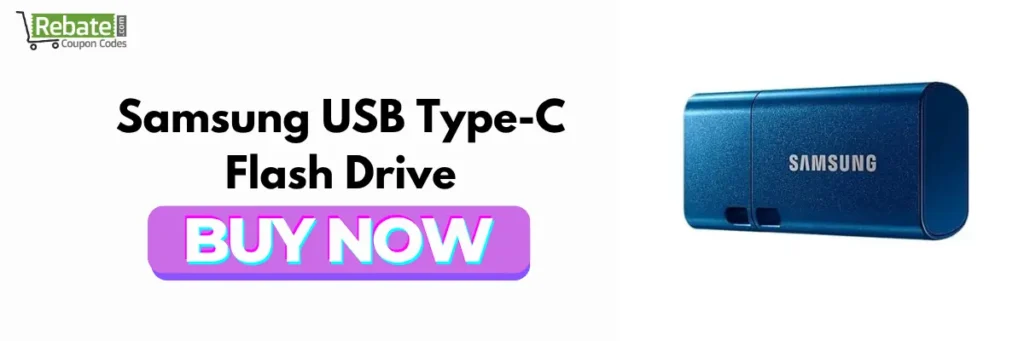
Samsung’s USB Type-C flash drives are another good option for USB-C iPhone users.
Recent 2026 testing and product comparisons highlight Samsung’s Type-C flash storage as a compact option with high advertised read performance.
Why is it one of the best USB flash drives for iPhone?
The USB-C connector makes it convenient for newer iPhones, laptops, tablets, and other USB-C devices.
If you frequently move files between your iPhone and laptop, using a USB-C drive can simplify the process.
Key Features
- USB-C connector
- Compact design
- High advertised read speeds on certain models
- Available in different capacities
- Suitable for phones and computers
Pros
- Small and portable
- USB-C compatible
- Good performance
- Easy to use across modern devices
Cons
- Check the exact model’s speed before purchasing
- Not suitable for Lightning iPhones without the appropriate adapter
Best for: Users who want a compact USB drive for iPhone and other USB-C devices.
5. Kingston DataTraveler 70 – Best Budget Pen Drive for iPhone
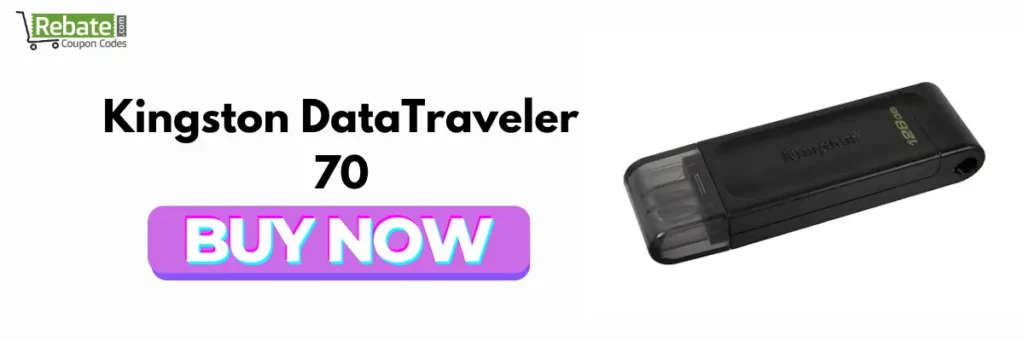
If you don’t need extremely high transfer speeds, the Kingston DataTraveler 70 is a straightforward USB-C storage option.
It is particularly attractive for users who want affordable additional storage for documents, photos, and occasional video transfers.
Why should you consider this pen drive for iPhone?
Not everyone needs a premium 1TB drive. If you primarily want to move files occasionally or carry a backup of important documents, a smaller-capacity USB-C drive can provide better value.
Key Features
- USB-C connector
- Compact design
- Affordable storage
- Easy portability
- Compatible with USB-C devices
Pros
- Affordable
- Simple
- Compact
- Good for everyday file transfers
Cons
- Not the best option for demanding professional video workflows
- Capacity may be lower than premium alternatives
Best for: Students, casual users, and anyone searching for a budget pen drive for iPhone.
6. SanDisk Ultra Dual Drive Luxe – Best iPhone USB Drive for iPhone and PC
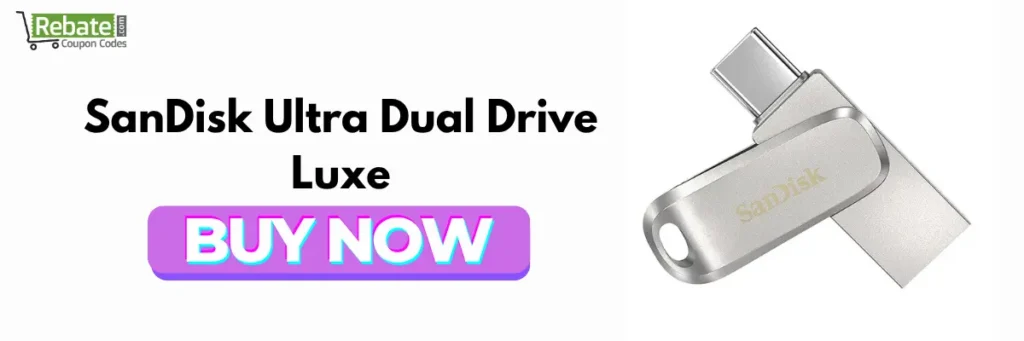
The SanDisk Ultra Dual Drive Luxe is especially useful if you frequently move data between your iPhone and a traditional computer.
Its dual-interface design makes it possible to use compatible USB-C devices while also providing USB-A connectivity for older computers and accessories.
Why is it a good external storage for iPhone?
The biggest benefit is flexibility.
For example:
iPhone → USB-C → Flash Drive → USB-A → Older Windows PC
This makes it useful for users who own a mixture of newer and older hardware.
The drive is available in high capacities, including versions reaching 1TB, depending on the market and model.
Best Uses
- iPhone photo backup
- Video transfer
- Computer file transfer
- Document storage
- Cross-device file sharing
Pros
- USB-C + USB-A
- High capacity options
- Convenient for PC users
- Compact
Cons
- Not the ideal choice for professional sustained video recording
- Actual transfer speed depends on the connected device
Best for: Users who need external storage for iPhone that can also connect to USB-A computers.
7. SanDisk Extreme PRO USB-C – Best High-Performance Flash Drive for iPhone
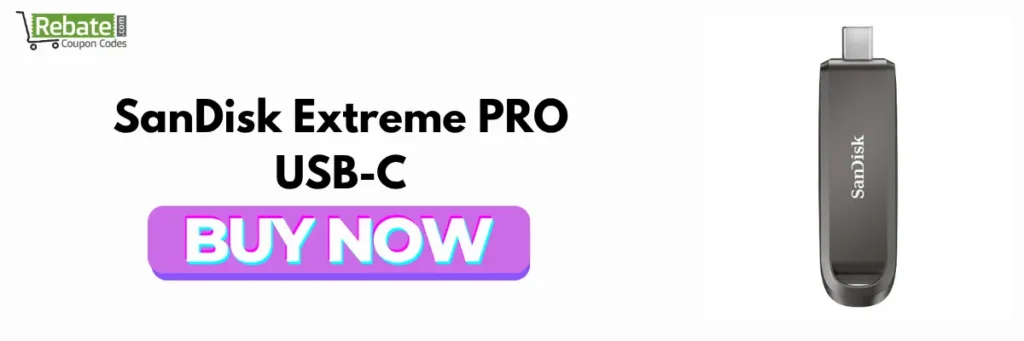
For users who prioritize performance, the SanDisk Extreme PRO USB-C range is worth considering.
A high-performance flash drive can be useful when you’re regularly transferring large video files, photo libraries, or other demanding workloads.
However, remember that buying a fast USB drive does not automatically mean your iPhone will achieve the drive’s maximum advertised speed.
Apple notes that supported Pro iPhone models can reach USB 3 transfer speeds when using an appropriate USB 3 cable, while the cable included with iPhone 15 and later supports USB 2 speeds.
Why choose a high-performance iPhone-compatible USB drive?
If you’re transferring several gigabytes of video regularly, a faster drive can save significant time.
Pros
- High-performance storage
- Good for large files
- USB-C connectivity
- Useful across modern devices
Cons
- More expensive
- May be unnecessary for basic photo backups
- Maximum performance depends on the complete setup
Best for: Creators, photographers, and users who frequently transfer large files.
Which Is the Best Pen Drive for iPhone in 2026?
For most users, the Kingston DataTraveler Max USB-C is the best overall option if your iPhone has USB-C and you prioritize speed.
However, your ideal choice depends on how you use your iPhone.
| Your Requirement | Recommended Drive |
| Best overall | Kingston DataTraveler Max USB-C |
| Dedicated iPhone storage | SanDisk Phone Drive USB-C |
| Lightning + USB-C | SanDisk iXpand Flash Drive Luxe |
| Compact USB-C drive | Samsung USB Type-C |
| Budget storage | Kingston DataTraveler 70 |
| iPhone + older PC | SanDisk Ultra Dual Drive Luxe |
| Heavy file transfers | SanDisk Extreme PRO USB-C |

How Do You Choose the Best USB Flash Drive for iPhone?
Before purchasing an iPhone-compatible pen drive, consider these factors.
1. Check Your iPhone’s Connector
This is the first thing you should check.
Newer iPhones use USB-C, while older models use Lightning.
Apple confirms that iPhone 15 and later use USB-C and can connect to external storage devices.
If your iPhone has USB-C, a USB-C flash drive is usually the simplest option.
If you have a Lightning iPhone, look for a Lightning-compatible drive or use an appropriate adapter.
2. Check USB Speed
Don’t choose a drive solely because it says “USB-C.”
USB-C describes the connector, not necessarily the transfer speed.
For example, Apple’s documentation notes that supported Pro models can use USB 3 speeds with a suitable USB 3 cable, while the included USB-C charging cable supports USB 2 speeds.
For large video files, look for faster USB standards and compatible cables.
3. Choose the Right Storage Capacity
How much storage do you need?
128GB
Good for:
- Documents
- Moderate photo backups
- Everyday file transfers
256GB
A great middle ground for:
- Photos
- Videos
- Work files
- Regular backups
512GB
Better for:
- Large video libraries
- Content creators
- Frequent backups
1TB
Best for:
- Extensive video collections
- Professional workflows
- Long-term external storage
For most users, 256GB or 512GB provides a good balance between capacity and price.
Can You Connect a USB Drive Directly to an iPhone?
Yes. Compatible iPhones can connect to external USB storage.
Apple states that the Files app can access files stored on connected external storage devices such as USB drives and SD cards.
Once connected, open:
Files → Browse → Locations → Your USB Drive
The drive should appear under Locations if it is compatible and properly connected.
How Do You Use a Pen Drive for iPhone?
Using a compatible flash drive for iPhone is relatively straightforward.
Step 1: Connect the Drive
Connect the USB drive to your iPhone’s charging port.
For USB-C iPhones, connect a compatible USB-C flash drive directly.
For Lightning models, you may need a compatible Lightning adapter or a Lightning-compatible flash drive.
Step 2: Open the Files App
Open Apple’s Files app.
Step 3: Open Locations
Tap Browse and look under Locations.
Step 4: Select the USB Drive
Tap the name of your connected storage device.
Step 5: Copy or Move Files
Select the files you want to transfer and copy or move them to the external drive.
Apple supports several formats for external storage, including APFS, HFS+, exFAT, FAT32, and FAT.
Can a Pen Drive Free Up iPhone Storage?
Yes.
The best pen drives for iPhone can help you move photos, videos, and documents from your iPhone to external storage.
For example:
iPhone Photos → USB Flash Drive → Delete unnecessary iPhone copies → Free up storage
Before deleting anything from your iPhone, make sure the files have transferred successfully and that you have another backup if the data is important.
What Is the Best External Storage for iPhone in 2026?
The best external storage for iPhone depends on your workload.
For occasional photos and documents, a compact USB-C flash drive is usually enough.
For large video libraries or professional recording, an external SSD can be a better option because it can provide higher sustained performance.
Apple specifically documents external-storage recording for ProRes on supported Pro iPhones and states that 4K60 ProRes requires an external storage device capable of at least 220 MB/s write speed, while 4K120 requires at least 440 MB/s.
So, if your goal is professional video recording rather than simple file transfers, don’t automatically choose a basic pen drive.
Are USB Flash Drives Safe for iPhone Storage?
Generally, yes, provided you purchase a reliable drive from a reputable manufacturer and safely manage your files.
For important photos and documents, however, don’t treat a single USB drive as your only backup.
A safer approach is:
iPhone → USB Drive → Computer/Cloud Backup
This gives you multiple copies of important data.
Best Pen Drives for iPhone: Final Verdict
Choosing the best pen drives for iPhone depends mainly on your iPhone’s connector, storage requirements, and desired transfer speed.
If you have a modern USB-C iPhone and want maximum performance, the Kingston DataTraveler Max USB-C is a strong overall choice.
For simple iPhone-focused transfers, the SanDisk Phone Drive USB-C is worth considering. Users with both Lightning and USB-C devices may prefer the SanDisk iXpand Flash Drive Luxe, while the SanDisk Ultra Dual Drive Luxe is particularly useful for people who regularly transfer files between iPhone and older USB-A computers.
The best pen drives for iPhone depends on your iPhone model and storage needs. Kingston DataTraveler Max is a strong overall USB-C choice, while SanDisk iXpand Luxe is ideal for users who need both Lightning and USB-C compatibility.
Before buying, always verify the exact drive model, connector, capacity, and compatibility with your specific iPhone.

FAQs About the Best Pen Drives for iPhone
The Kingston DataTraveler Max USB-C is one of the best choices for USB-C iPhones because of its strong transfer performance and high-capacity options. For users who need both Lightning and USB-C compatibility, the SanDisk iXpand Flash Drive Luxe is a more versatile option.
Yes. Compatible iPhones can connect to USB flash drives and other external storage devices. Apple supports accessing connected storage through the Files app. Depending on your iPhone model, you may need a compatible connector or adapter.
For regular photo and video backups, a 256GB or 512GB USB-C flash drive is a good starting point. The SanDisk Phone Drive and Kingston DataTraveler Max are strong options for compatible USB-C iPhones.
Not always. USB-C iPhones can work with compatible standard USB-C external storage devices. However, Lightning iPhones require a Lightning-compatible solution or an appropriate adapter. Apple also recommends compatible formats and connections for external storage.
Supported Pro iPhones can record ProRes directly to external storage, but the drive must meet Apple’s requirements. For 4K60 ProRes, Apple specifies at least 220 MB/s write speed, while 4K120 ProRes requires at least 440 MB/s. A suitable USB 3 cable is also required.